Running games for 30–40 people (workshops, retreats, classes)
Big groups are hard to run. Unlucky Party lets up to 40 people into one room. Here’s how to make it work.
Games that work with 40
Up to 40 people can join one room. With more than 12 players, Card Flip, Random Race, Pirate Roulette, Act It Out and Imposter are automatically left out because they get too long or don’t fit on screen. Most Likely To only appears with 20 or fewer so the voting list stays manageable. Everything else works with the full 40.
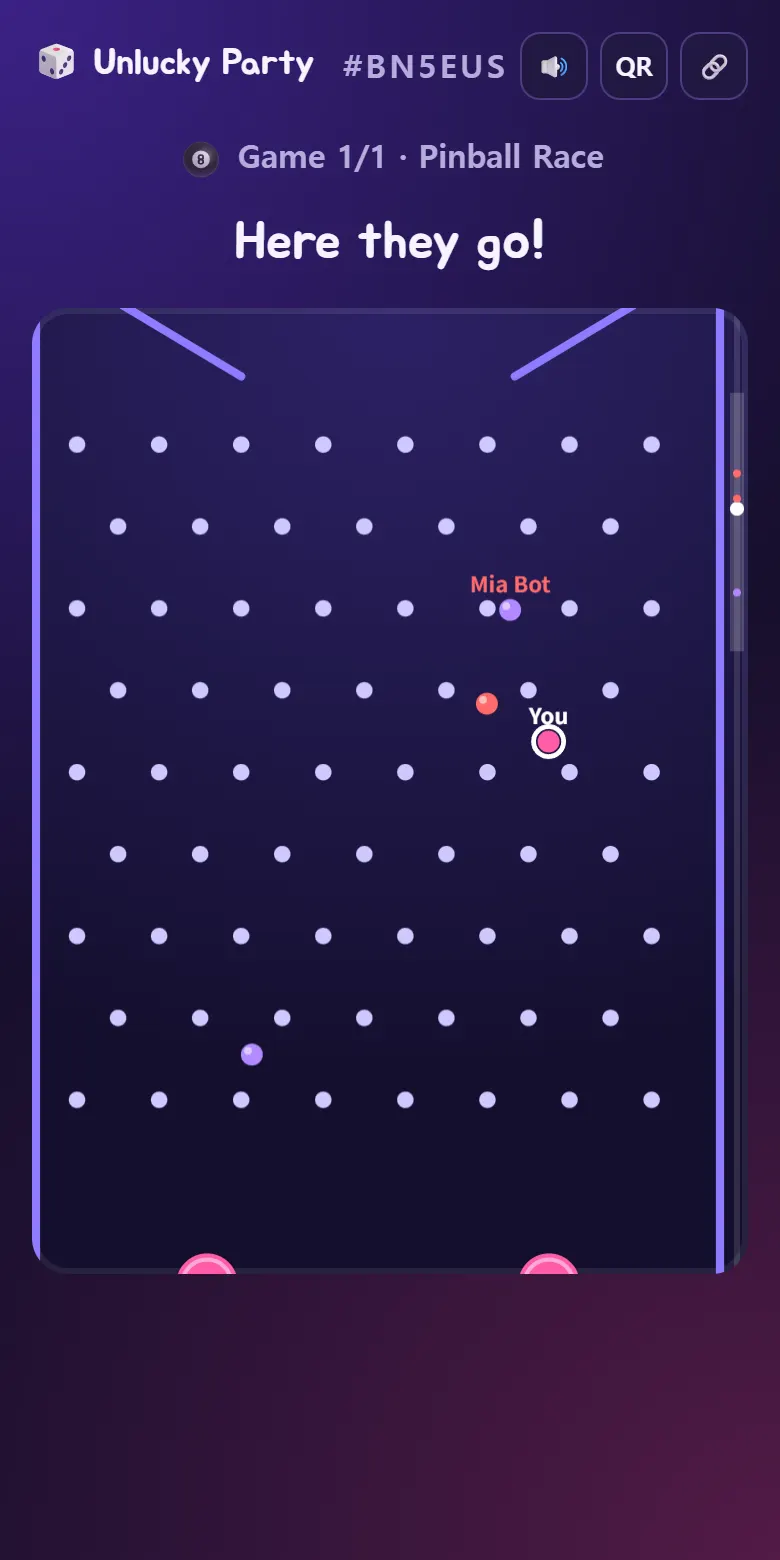
- Luck: Chicken Button, Hot Potato Bomb, Pinball Race, Slot Machine, Would You Rather
- Skill: 1 to 20, Find the Number, Odd Color Out, Tap Frenzy, Rub Rush, Reaction, Exactly 10 Seconds, Number Dodge and more
What to prepare
- Check that the venue’s Wi-Fi or mobile signal is solid. If the Wi-Fi is weak, people can join on mobile data and still play in the same room.
- Get the host’s phone or laptop onto a projector or TV. Reveals are much more fun when everyone watches together.
- Create the room about ten minutes before you start. Rooms close after 30 minutes with no activity, so don’t set it up too early.
- Tap the QR code button and put it on the big screen. It’s far faster than sending 40 people a link one by one.
- Ask people to use real names or team names as nicknames, so everyone can tell who’s who on the results screen.
- Want to tie it to your workshop or class topic? Add your own Would You Rather questions under "Use your own questions".
Running the session
- Joining: show the QR code and give people two or three minutes. Check the player list to see that everyone made it in.
- Setup: choose the game type and session length. With a big group, "Luck" opens with Chicken Button, and "Mixed" and "Skill" open with Tap Frenzy. Neither needs much explaining.
- Between games: read out the loser and the running totals from the results screen. It keeps the room engaged.
- Final game: remind everyone it counts double. People at the bottom of the table have a reason to stay in it.
- Wrap-up: announce "Today’s unluckiest" and settle any stake on the spot.
What changes with a big group
Each game gives 3 points to last place, 2 to second-to-last and 1 to third-to-last. With 40 players only a handful score in each game, so totals stay close. The double-points final matters a lot, and a 5-game session usually produces a clearer result than 3.
Team-split games like Would You Rather can leave several people losing together. If you need exactly one loser, pick games with individual results like Pinball Race, 1 to 20 or Find the Number.
On the other hand, Would You Rather works like a room-wide show of hands. It’s a nice way to see where the group stands, even if you don’t care much who loses.
Playing in teams
Unlucky Party ranks individuals. To compete as teams, ask everyone to put their team name in front of their nickname (for example "T1 Sam"), then add up each team’s unlucky points from the results screen at the end. Nicknames can be up to 12 characters.
Another option is one player per team. With fewer players, smaller-group games like Card Flip and Pirate Roulette come back into the mix, and everyone else can cheer from the big screen.
Timing
A 5-game session takes roughly 5–8 minutes including the waits between games. It works well after a break or as a warm-up before breakouts.
- Quick warm-up: Quick 3
- Pulling people back after a break: Random 5
- Closing the event: "Pick" just the games you want, up to 10
Common problems and fixes
- The 41st person can’t get in because the room is full. For bigger groups, split into two rooms.
- Venue Wi-Fi slowing down under the load? Have people switch to mobile data.
- Latecomers can join with the same link or QR code. They start from the next game with the lowest current score in the room.
- If someone’s connection drops, the game doesn’t stop. Reopening the link on the same phone and browser brings them back with the same score.
- If the lobby chat gets out of hand, the host can mute a player or remove them from the room.
A note for hosts
In a big group, the loser is on show in front of a lot of people. Keep forfeits light, like saying a few words up front or taking a round of applause, and avoid anything involving drinking or money. In a classroom, announcing the unluckiest is enough on its own. Don’t write custom questions aimed at a particular person.
You might also like
Last updated: 2026-10-18